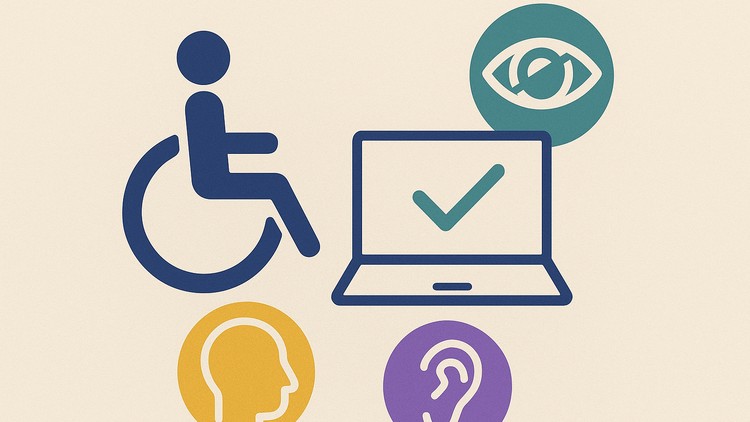
Master Accessibility Testing using Automation tools & Jenkins
What you will learn
Understand Accessibility Testing Fundamentals – Explain WCAG guidelines, POUR principles, and different types of disabilities impacting digital access.
Perform Hands-on Accessibility Audits – Use 15+ industry tools like Lighthouse, Axe, WAVE, Pa11y, NVDA, JAWS, and Color Contrast Analyzer to identify
Create and Use Professional Checklists & Test Cases – Build reusable accessibility testing scenarios for keyboard navigation, screen readers, low vision
Integrate Accessibility Testing into CI/CD Pipelines – Automate audits and generate professional reports for continuous accessibility compliance.
est websites for multiple accessibility needs – keyboard navigation, screen reader compatibility, low vision adjustments, and color contrast.
Add-On Information:‘;
}});
}});
- Unlock the fundamentals of digital inclusion and learn to build web experiences that cater to a diverse user base.
- Gain practical skills in evaluating websites for a wide spectrum of assistive technology users, ensuring a truly navigable and comprehensible online environment.
- Demystify the complexities of Web Content Accessibility Guidelines (WCAG) and the POUR principles, translating theory into actionable testing strategies.
- Develop a keen eye for identifying accessibility barriers that hinder users with visual, auditory, cognitive, and motor impairments.
- Acquire proficiency in leveraging a comprehensive suite of 15+ cutting-edge accessibility testing tools, including popular and specialized utilities.
- Master the art of manual and automated accessibility checks, moving beyond basic compliance to deep-seated usability.
- Construct robust and repeatable accessibility test cases that cover critical user journeys and interaction points.
- Learn to create and maintain professional accessibility checklists, ensuring consistent and thorough evaluation processes.
- Become adept at simulating user experiences with screen readers and keyboard-only navigation, identifying common pain points.
- Understand the importance of color contrast and visual design in supporting users with low vision or color blindness.
- Empower your development workflow by integrating automated accessibility checks directly into your Continuous Integration and Continuous Delivery (CI/CD) pipelines.
- Generate clear and actionable accessibility reports that facilitate remediation and track progress.
- Foster a culture of accessibility within your team by understanding how to communicate findings effectively.
- Go beyond surface-level checks to understand the underlying code and structural issues that impact accessibility.
- Learn to critically assess the usability of interactive elements and dynamic content from an accessibility perspective.
- Understand the legal and ethical implications of digital accessibility.
- PROS:
- Gain a highly sought-after skill set in the current digital landscape.
- Enhance the usability and reach of your web applications significantly.
- CONS:
- Requires dedicated practice to master the full spectrum of tools and techniques.