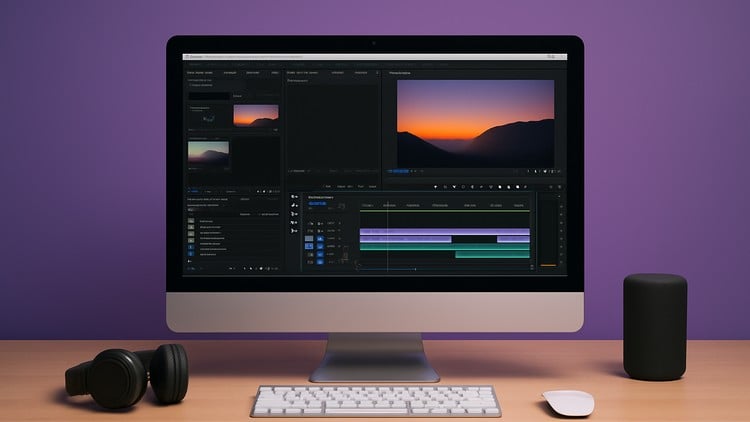
No Experience Needed – Master the Basics of Premiere pro
What you will learn
‘;
}});
How to navigate the Adobe Premiere Pro interface with confidence
Basic and advanced video editing techniques
Importing, organizing, and managing video, audio, and image files
Cutting, trimming, and arranging clips on the timeline
Adding transitions, effects, and motion to create dynamic edits
Working with audio: volume adjustment, background music, and voiceovers
Color correction and color grading for a professional look
Creating titles, captions, and lower thirds
Exporting videos in different formats for YouTube, social media, and more
Best practices for organizing projects and improving editing speed